Record a six-hour hike and still have battery left
Why GPS drains your phone battery, what the recording interval changes and what you can really count on with the screen off.

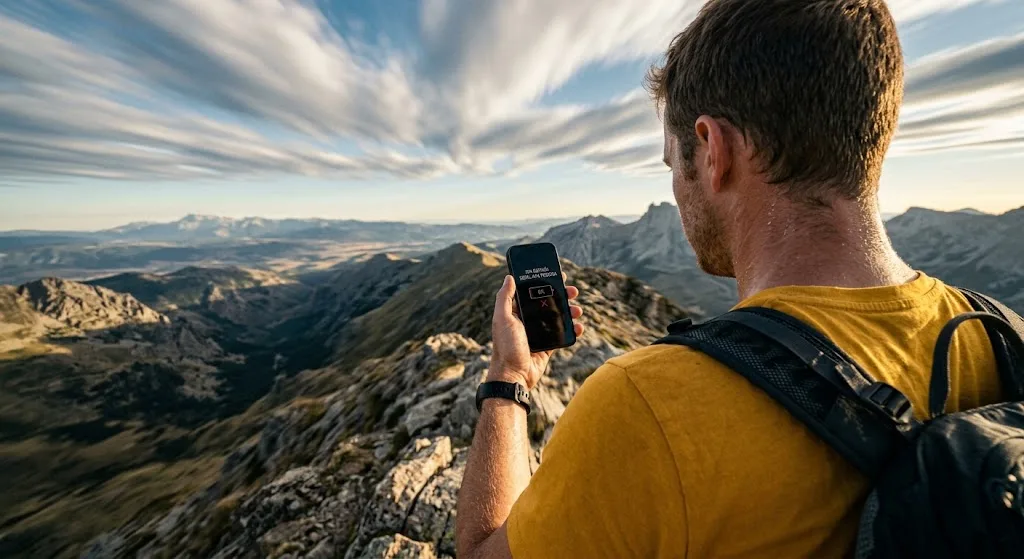
Why GPS uses power when all it does is listen
A GNSS receiver doesn’t ask anyone anything: it only listens. The satellites transmit, the phone receives and calculates. There’s no data to send, which is why it works in the middle of nowhere with no signal at all.
What uses power, then, is keeping it awake: the receiver’s radio switched on, the correlator hunting for very faint signals in the noise, and the processor waking up for every position to calculate it, store it and add it to the route. A modern phone does all this for very little.
The problem is that GPS hardly ever works alone. It comes with the screen on showing the map, the map downloading tiles over mobile data, and the phone’s radio cranking up its transmit power because it can’t find a mast in the valley. Those three together use far more than the receiver, and they’re the three you can switch off.
The key number
With the map downloaded and the screen off, recording uses very little. What really drains the battery is the screen on high brightness, which uses roughly ten times as much as the GPS receiver, plus the radio hunting for signal. Most of the figures going round online come from phones ten years old: measure yours one afternoon and stick with that number, because it’s the only one that’s any use to you.
The sampling interval: the decision that really matters
Recording a route means saving a position every so often. How often is a decision, and there’s no right answer: it’s a trade-off between battery and detail.
The catch is in the second point on the right. With a long interval, the route gets clipped on the inside of every bend: on a twisting mountain path that can knock a noticeable percentage off the real distance, and on top of that it smooths the elevation profile until it lies. You save battery and pay for it with worse data forever, because a point that wasn’t recorded can’t be recovered.
That’s why the serious savings aren’t here. They’re in the screen.
What really happens with the screen off
A screen on at high brightness – which is the brightness you need to see a map in full sun – uses something like ten times as much power as the GNSS receiver. Turning it off is, by a long way, the biggest lever you’ve got.
And here’s the misunderstanding that has a lot of people walking for six hours with their phone in their hand: screen off doesn’t mean app closed. A well-built recording app keeps logging with the phone locked in your pocket, because it doesn’t depend on you looking at it.
What keeps it going is a foreground service: a process the operating system promises not to kill as long as it shows a persistent notification. That notification you can’t dismiss isn’t a design oversight; it’s literally what keeps the recording alive. If an app records without one, the system will put it to sleep as soon as you lock the screen, and you’ll find holes in your track.
Two more things worth knowing, and you can check both on anyone’s phone:
Battery optimisation can kill your recording. Several manufacturers are particularly aggressive about closing background processes. If your track stops just when you put your phone away, find the app in the battery settings and set it to ‘Unrestricted’. That fix sorts out nine out of ten broken tracks.
Aeroplane mode doesn’t turn off GPS. Since the receiver only listens, it keeps working with the phone’s radio off – and that instantly gets rid of the biggest remaining drain, which is the modem boosting its power to search for a mast that isn’t there. The downside: with no network, the first fix takes longer, because the phone can’t download the assistance data that tells it where the satellites are right now. The solution: get your first GPS fix before you set off, while you’ve still got signal, and switch to aeroplane mode afterwards.
Cold is the other half of the problem
A lithium battery doesn’t lose charge in the cold: it loses the ability to deliver it. Below freezing, a phone showing 40% can shut down without warning, and once it warms up in your pocket it switches back on with roughly the same percentage it had before. It wasn’t lying either time.
That leads to three habits: keep your phone in an inside pocket, close to your body, not in the rucksack’s outer lid pocket; keep the power bank inside the rucksack, not dangling outside; and if the phone is freezing cold, let it warm up before you plug it in – charging a very cold lithium battery really does age it.
What Suviard does about this
Suviard records one point per second with no distance filter: it logs every position that comes in, even when you’re standing still. It’s a deliberate decision, and an expensive one in battery terms, for two reasons. First, detail can’t be recovered afterwards. Second, and less obvious: if the app filtered out points at source, ‘nothing received for two minutes’ could mean ‘they’ve stopped’ or ‘the GPS has hung’, and those are two very different things. With no filter, a silence is always a fault, and the app can react instead of carrying on recording a straight line.
Recording runs in a location-type foreground service, with its persistent notification and its pause and finish buttons. That’s why you can lock your phone and put it away: as far as Android is concerned, the recording is still in the foreground even when the screen is black.
And one you’ll notice in the permissions: the app doesn’t ask for background location access. It doesn’t need it, because recording always starts with you looking at the screen. That’s one less permission on the list, and one less thing to explain.
What we can’t do is save you the battery that looking at the map uses. That’s down to you, and it’s exactly what the five rules below are for.
How to finish with battery left, in practice
- 01Download the map of the area before you set off. A map that downloads as you go uses data, radio and screen all at once: the most expensive trio there is.
- 02Get your first fix while you’ve got signal, in the car park, before you start. After that you can cut the network.
- 03Turn off the screen, not the app. Check the recording notification is still there and put the phone away. Glancing at the map every twenty minutes won’t ruin anything; keeping it on for six hours will.
- 04Aeroplane mode if you’re not expecting calls. GPS keeps recording. And if you’d rather stay reachable, at least turn off mobile data in areas with no coverage.
- 05In winter, keep your phone close to your body. And carry a small power bank in your rucksack: it weighs 100 grams and it’s the difference between having a track and having half a route.
In short
GPS isn’t the enemy: it listens, calculates and uses very little. What’s expensive is everything we pile on top of it – the screen, the map downloading, the radio hunting for a mast – and the expensive stuff can be switched off with a couple of taps before you leave.
Lowering the sampling rate to save battery is the classic bad deal: you get little charge back and lose the route’s detail for good. If you need more battery life, turn off the screen and download the map; the track doesn’t have to pay for it.
And when you check that route’s elevation gain, bear in mind that GPS measures height on the axis where it’s least accurate. More on how we work with data: about Suviard.